PANATERM Setup Software Integration via USB Cable
Panasonic’s PANATERM configuration software enables comprehensive setup and monitoring of MINAS servo systems through a standard USB connection .
Connection Specifications:
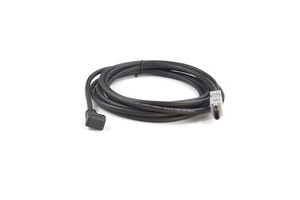
Driver Connector: X1 (USB mini-B)
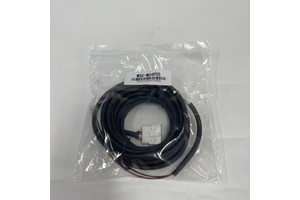
Cable Type: Commercially available USB A to mini-B cable
Software Source: Download from Panasonic website
PANATERM Capabilities:
Function | Description |
|---|---|
Parameter Setup | Storage and writing to EEPROM |
Monitoring | I/O, pulse input, load factor |
Diagnostics | Alarm display, error history reference |
Waveform Analysis | Data measurement and graphic display |
Auto-Tuning | Normal auto-gain tuning |
System Analysis | Frequency characteristic measurement |
When the USB cable does not have a noise filter, it is recommended to attach a signal line noise filter (DV0P1460) to both ends of the cable .